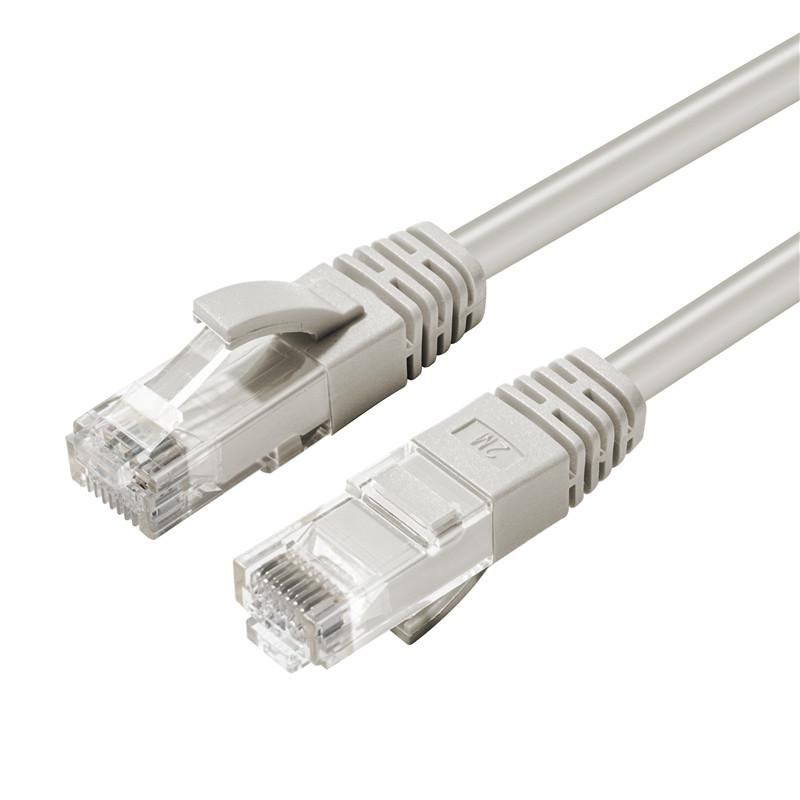
The category printed on the cable (Cat5e, Cat6, Cat6a) must match the ports you actually have. Confirm length and construction (for example U/UTP) on the product page — this article does not invent speed or distance ratings.
Hardware: 7R Technology networking. Installation: 7R Network.
Three catalogue examples
| Category on SKU | Example | Product |
|---|---|---|
| Cat5e | Microconnect 2 m grey U/UTP (MPN B-UTP502) | product 24755 |
| Cat6 | Microconnect 2 m grey U/UTP (MPN UTP602) | product 55851 |
| Cat6a | Microconnect slim 1 m white U/UTP (MPN V-UTP6A01W-SLIM) | product 28705 |
How to choose
- Read the switch/AP/camera port on its datasheet, then pick a cable whose printed category is not lower than that requirement.
- Buy the length on the SKU. Do not assume one length fits a rack and a desk.
- PoE still comes from the switch. See UniFi for the office: what to buy first.
Quote: quote-request.