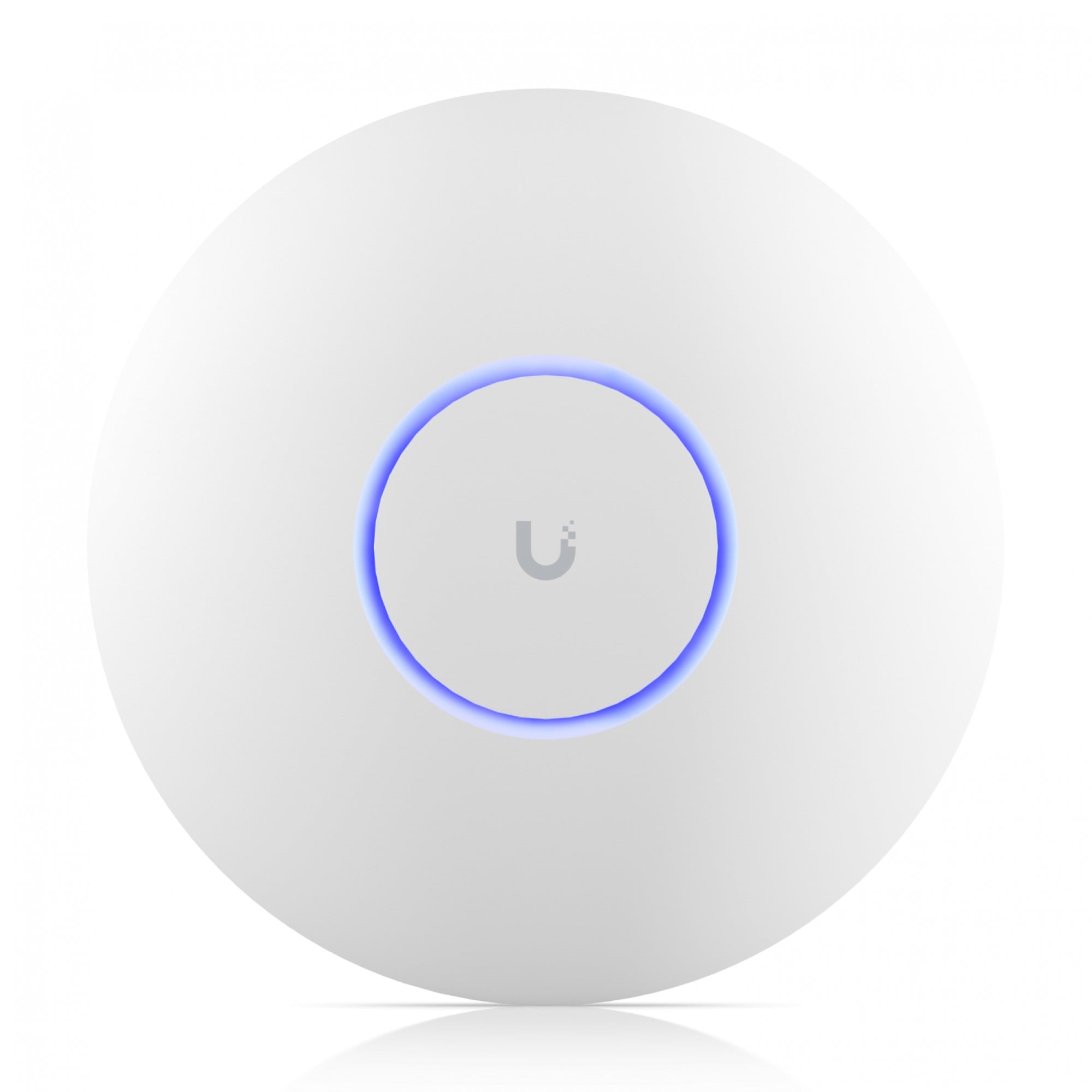
A UniFi office network is three buying decisions, not one “best access point”. Buy in this order: gateway → PoE switch → access points. Confirm ports, PoE class and Wi‑Fi generation on each product page and the Ubiquiti datasheet — not from the title string alone.
This is a hardware buying guide for 7R Technology. Design, installation and operation sit with 7R Network.
1. Gateway (controller + routing)
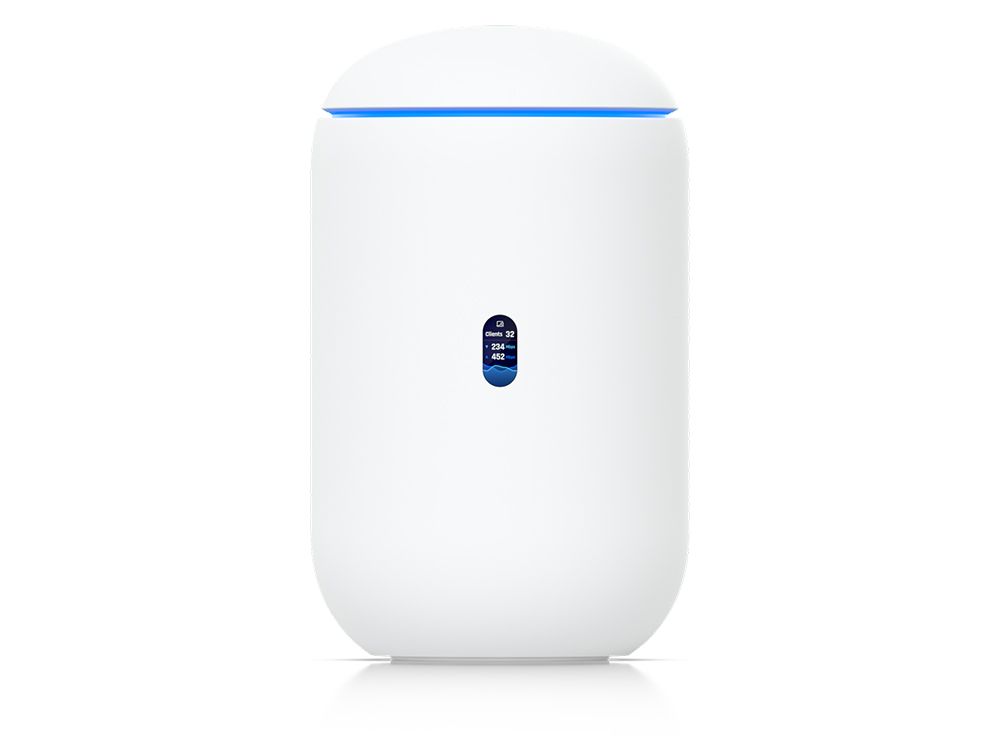
Start with a UniFi Cloud Gateway so switching and Wi‑Fi adopt into one console. In the current catalogue:
- UniFi Cloud Gateway Fiber (MPN UCG-FIBER)
Match WAN type, LAN speed and how many networks (office / guest / cameras) you need. Those details are on the product page.
2. PoE switch (power for APs and cameras)
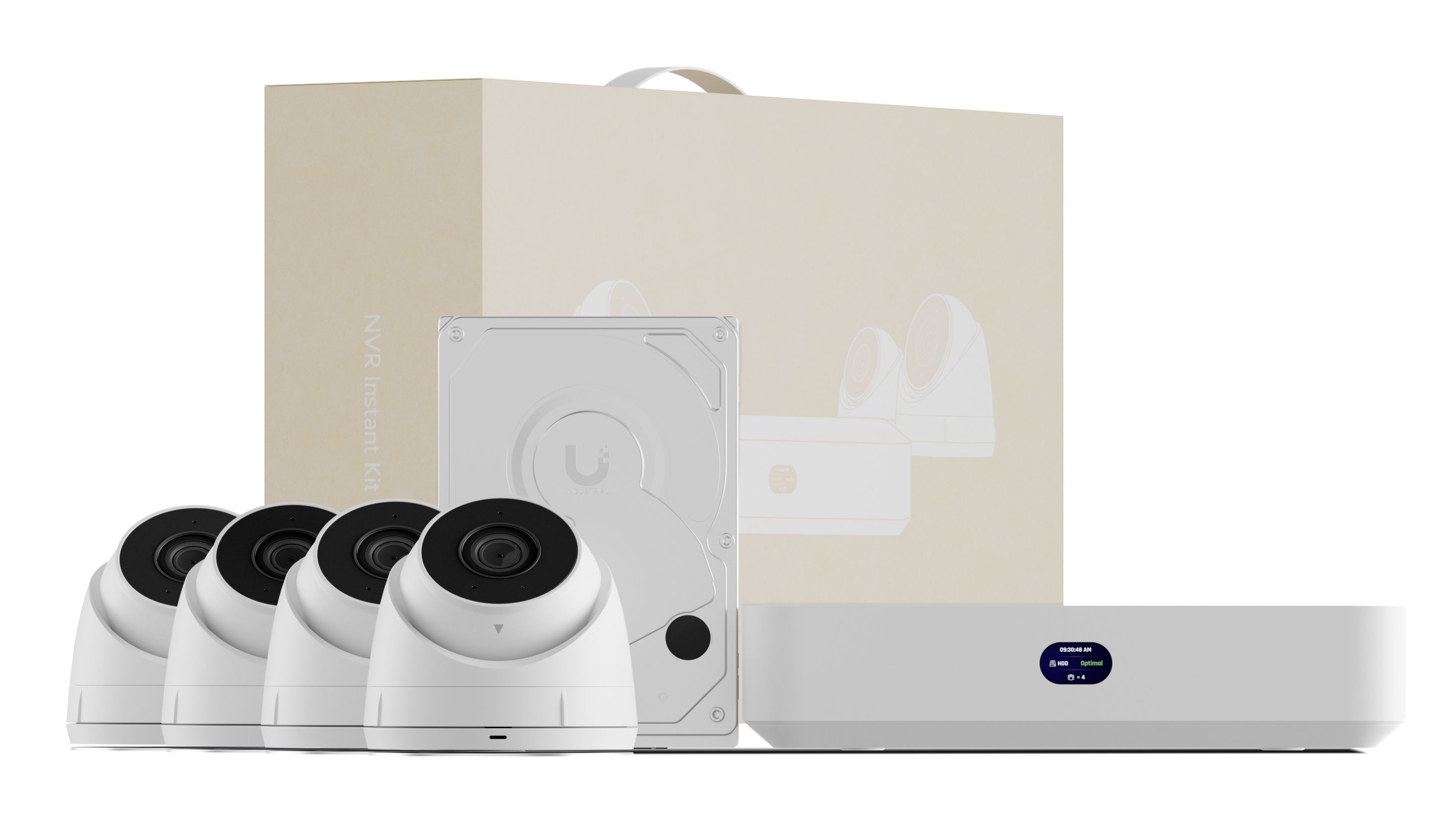
Access points and UniFi Protect cameras typically take power from the switch. For a structured office closet, a managed PoE model is the default.
- USW-Pro-24-POE (MPN USW-PRO-24-POE)
- Smaller closet: UniFi Ultra 60W switch (MPN USW-ULTRA-60W) or USW Flex Mini
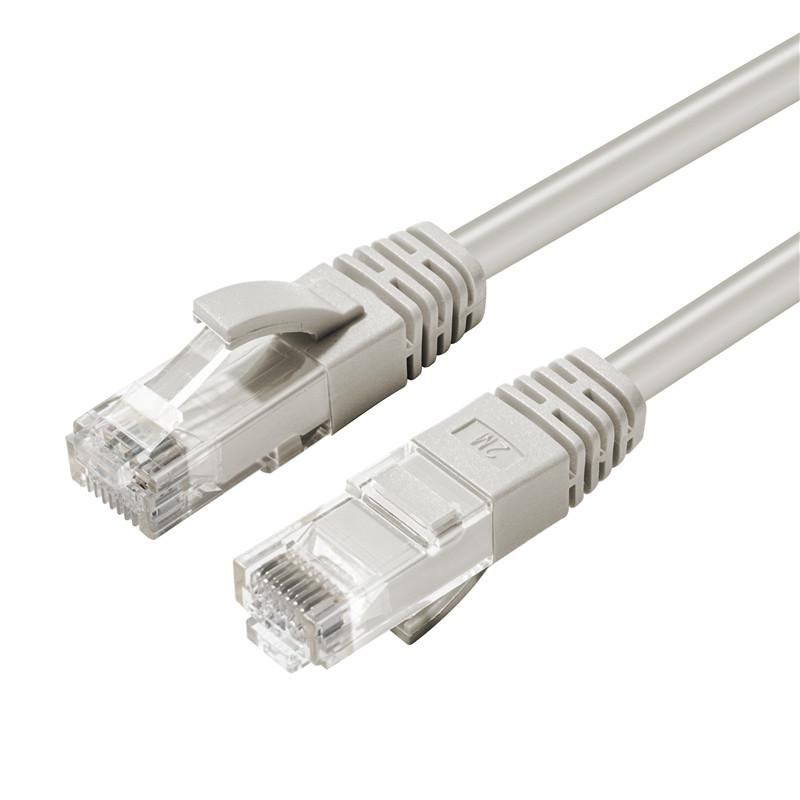
Count PoE budget and port count on the datasheet. Our earlier guide How to choose a business switch covers VLANs and uplinks in general terms.
3. Access points (coverage)
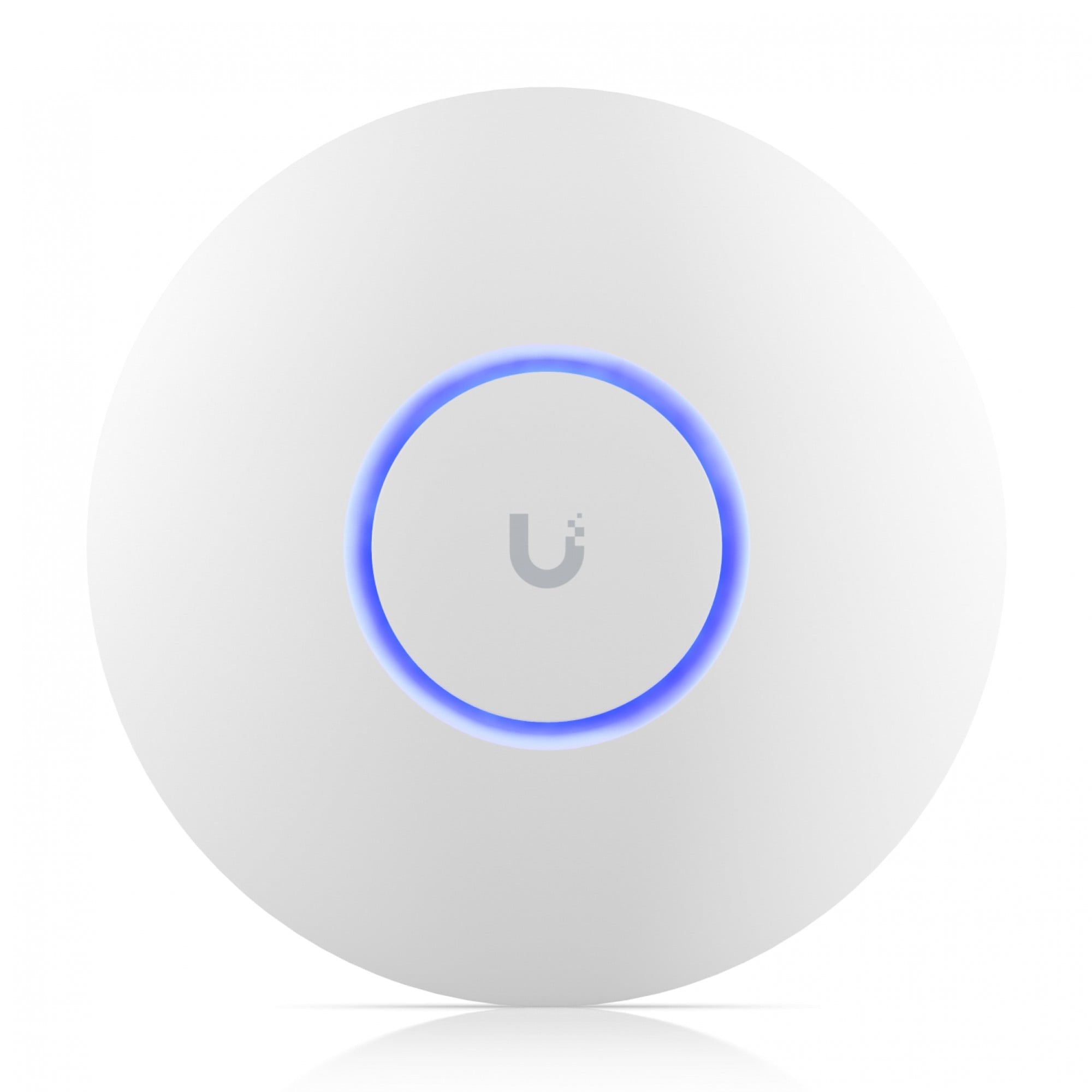
Place APs after you know PoE and ceiling/wall mounts. A common office starting SKU:
- U7-PRO (MPN U7-PRO)
How many APs you need depends on floor plan, walls and client density. That is a site decision — not a number we invent here.
Related pages
- UniFi hub: https://7rtechnology.com/brands/ubiquiti
- Networking: https://7rtechnology.com/networks-security
- B2B quote: https://7rtechnology.com/quote-request
FAQ
Can I start with only an access point?
You can, if you already have a compatible UniFi gateway and PoE. A lone AP without a controller/gateway is not the usual office buy.
Do you install it?
7R Technology sells the hardware. Installation, survey and NaaS: 7R Network.
Where are prices and stock?
On each product page at the time you order. This article does not list prices or stock counts.