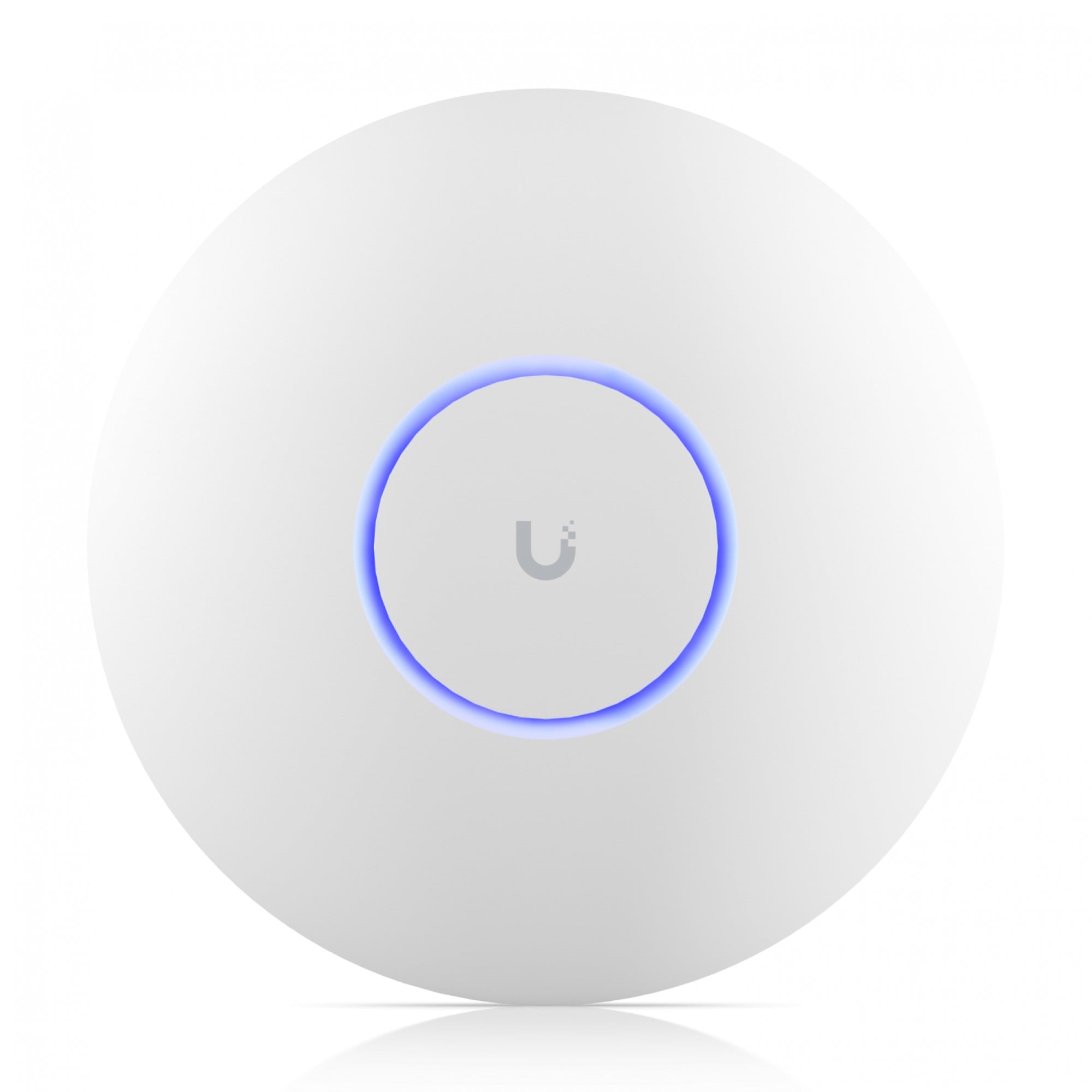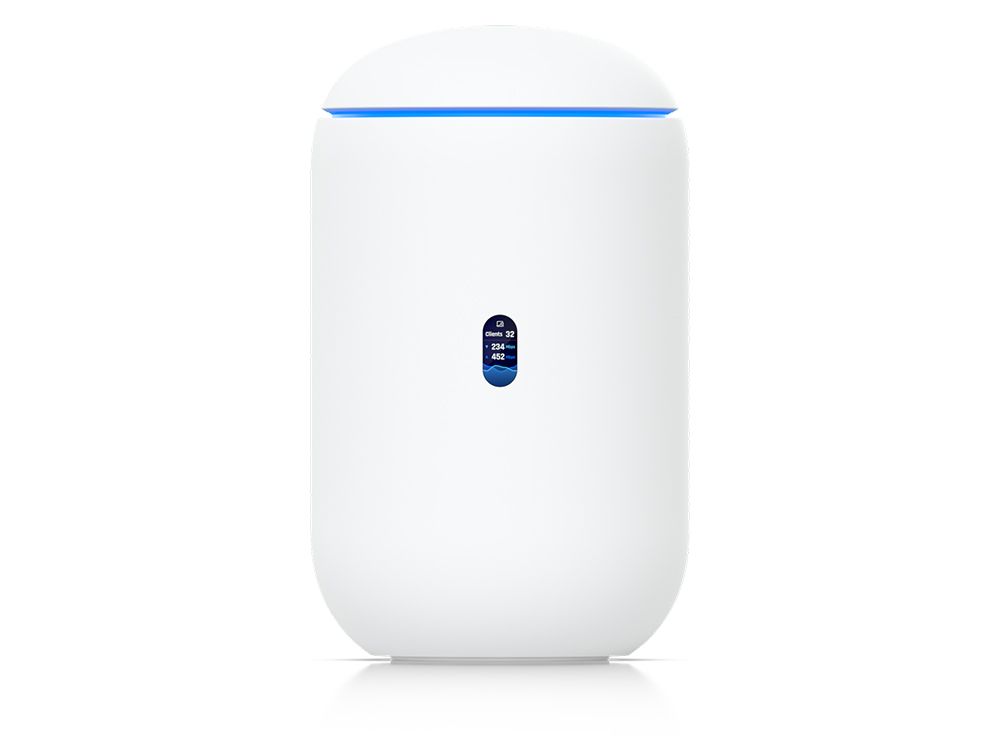
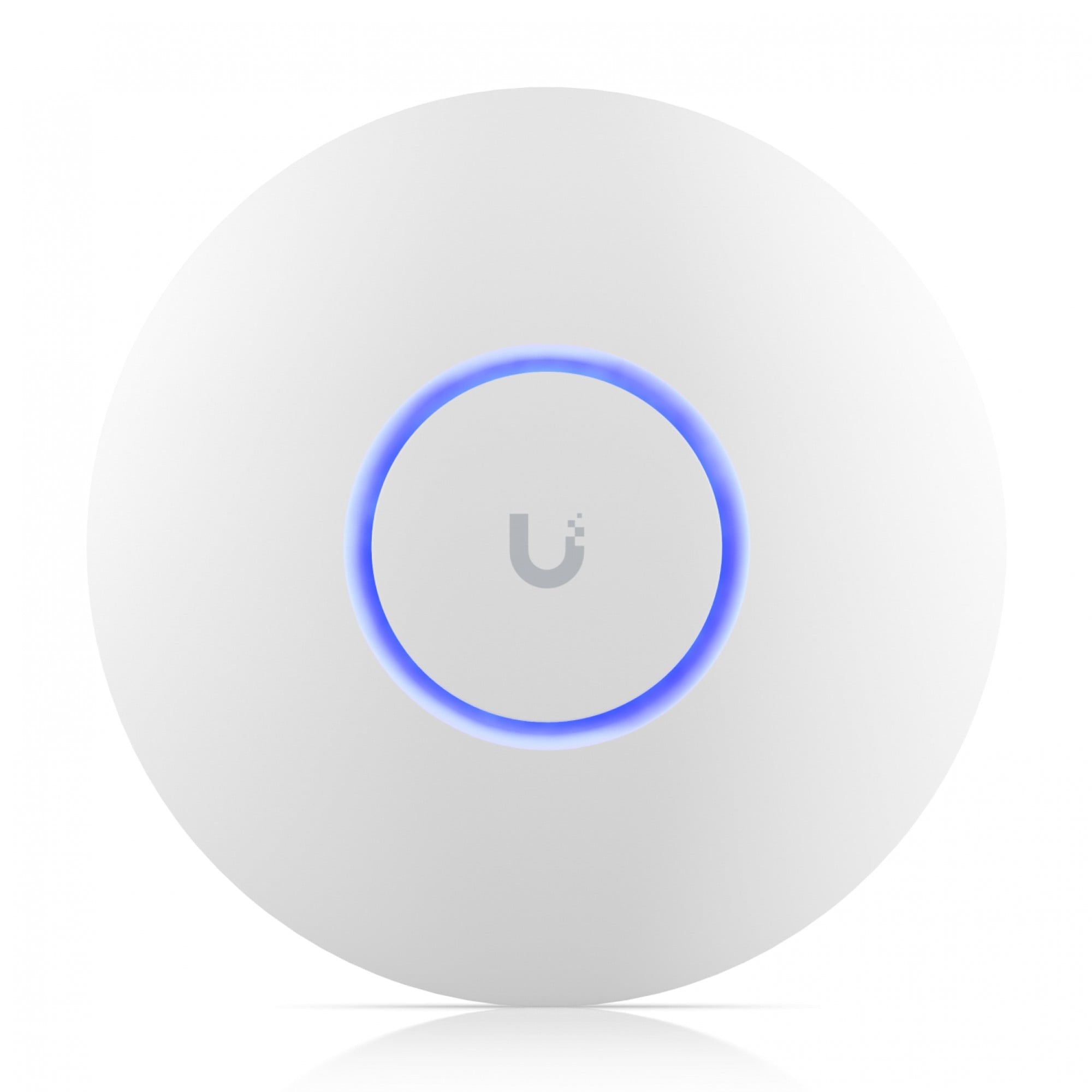
Pick the AP after the gateway and PoE switch are chosen. This page compares three in-stock catalogue SKUs so you can open the product pages side by side. We do not invent range or client capacity from noisy titles — confirm radios and PoE class on the datasheet.
The three SKUs (live catalogue)
| MPN | Catalogue name | Product page |
|---|---|---|
| U6+ | UniFi 6+ Access Point WiFi | product 91124 |
| U6-PRO | Unifi U6-Pro WiFi 6 Access Point | product 52103 |
| U7-PRO | U7-PRO UniFi WiFi 7 Access Point | product 91618 |
Wall / in-wall variants exist too (U7-PRO-WALL, U7-IW). Example: U7 Pro Wall.
How to choose
- Mount — ceiling, wall, or in-wall. Buy the matching SKU and mount if required (example: U7 Pro Wall paintable mount).
- PoE class — read the AP datasheet, then check the switch budget. See what to buy first.
- Radio generation — open the product page. If the shop title and the Ubiquiti datasheet disagree, trust the datasheet.
- Density — more clients and more walls usually means more APs. We do not publish a room-count formula here.
Brand hub: Ubiquiti / UniFi. Quote a BOM: quote-request.
7R Technology sells the AP. Site survey or install: 7R Network.
FAQ
Is U7 always better than U6?
Only if clients, spectrum and the rest of the LAN can use it. Read both datasheets.
How many APs for an office?
Unknown without a floor plan. Ask for a quote or a Network survey.